Key takeaways
- Salesforce gives law firms one place for intake, client relationships, matter workflows and reporting.
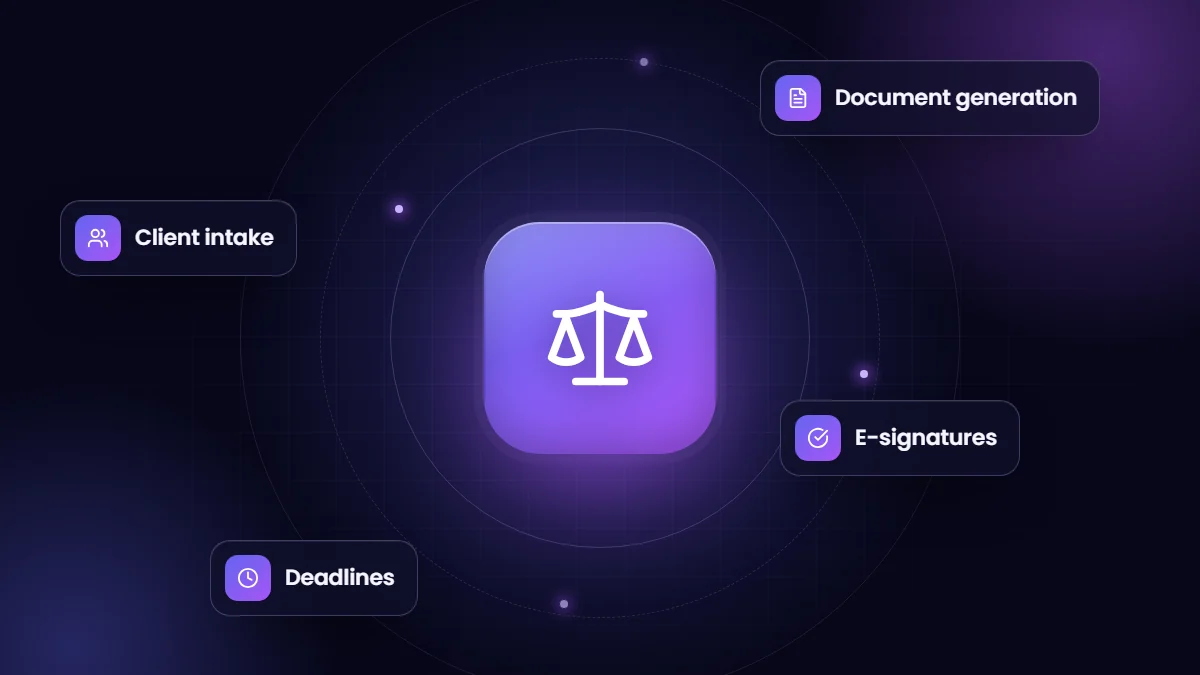
- Document generation and e-signatures remove a large share of manual work in legal operations.
- Custom Lightning components make complex legal workflows faster for staff.
- Legal billing and trust accounting usually stay in specialized systems, integrated where useful.
Law firms juggle intake calls, conflict checks, deadlines, documents and client updates, often across email, spreadsheets and practice management tools. Salesforce can bring the relationship and workflow side together, especially for firms with high case volumes such as consumer, traffic, injury or immigration practices.
Where Salesforce helps
| Area | What Salesforce does |
|---|---|
| Intake | Capture inquiries from web, phone and referrals; qualify and assign quickly |
| Conflict checks | Search existing clients, parties and matters before accepting |
| Matter tracking | Stages, tasks, deadlines and responsible staff for each matter |
| Documents | Generate letters, agreements and filings from matter data |
| E-signatures | Send engagement letters and forms for signature and track status |
| Client communication | Automated updates by email or SMS at key milestones |
| Reporting | Pipeline, matter volumes, outcomes and staff workload |
A real example
Driver Defense Team relies on Salesforce to run its legal operations. Our ongoing work there includes a suite of custom Lightning components that improved the user interface and experience by 40%, refined automation that increased operational efficiency by 30%, and an S-Docs integration that accelerated document generation and management by 25%, along with custom tools for file and case status tracking. Read the Driver Defense Team case study or watch the legal file tracker demo.
Design considerations for legal
- Confidentiality: strict access control by matter and role, and careful handling of privileged information.
- Data model: clients, matters, parties, courts, deadlines and documents, related correctly.
- Deadlines: automated reminders and escalation for critical dates.
- Retention: document and data retention aligned with firm policy and professional rules.
What usually stays elsewhere
Time and billing, trust accounting and some court e-filing are typically handled by specialized legal systems that meet professional and regulatory requirements. Integrations can bring key information, such as invoice status, into Salesforce where staff need it.
Getting started
- Map intake and matter workflows with the people who run them.
- Start with intake and matter tracking, then add documents and client updates.
- Build templates for the most frequent documents first.
- Measure time from inquiry to signed engagement and staff hours saved.
See our industry solutions for how we tailor Salesforce to legal teams.
A typical intake flow for a high-volume practice
- A prospective client submits a web form or calls; an inquiry record is created and assigned.
- The intake specialist runs a conflict search across clients, parties and matters.
- Qualifying questions are captured in a guided screen flow.
- An engagement letter is generated from the record and sent for e-signature.
- On signature, a matter is created with tasks, deadlines and the responsible attorney.
- The client receives a welcome message with next steps.
Each step that happens automatically saves minutes per matter, which adds up quickly in practices handling hundreds of new matters a month.
Frequently asked questions
Can Salesforce replace legal practice management software?
For intake, relationships and workflow, Salesforce is very strong. Billing and trust accounting usually remain in specialized systems.
How do law firms generate documents in Salesforce?
With document generation tools such as S-Docs that merge matter data into templates, often combined with e-signature.
Is Salesforce secure enough for client confidentiality?
With careful role-based access, sharing rules and field-level security, Salesforce supports strict confidentiality requirements.