
 Video demo
Integrations
Salesforce Google Ads LSA Integration
Discover how CodersRegion integrated Google Ads Local Services Ads (LSA) with Salesforce to automatically sync leads and conversations for better tracking and…
Data migration & integration
Move your data into Salesforce without losing history or trust, then connect Salesforce to the tools your team already uses. We handle mapping, cleansing, validation and the integrations that keep everything in sync.
Clean data, connected systems
Migrations go wrong when data is copied over without a plan: duplicates multiply, relationships break and users stop trusting reports. Integrations fail quietly when nobody monitors them.
We treat data as a project in its own right. We profile and clean your data, map it to a sound Salesforce model, rehearse the migration in a sandbox, and validate every object before go-live. Integrations come with logging, alerts and retry logic so issues are caught early.
What we offer
End-to-end, from the first data audit to ongoing monitoring.
Proven connectors
A few of the systems we have connected to Salesforce for clients.
Our process
Six steps that protect your data from start to finish.
Audit current systems, define goals and choose the right tools and methods for your architecture.
Design schemas, map relationships and align structures with Salesforce standards.
Sandbox migrations and integration tests under realistic volumes to prove quality and integrity.
Go live with minimal downtime, final validation and reconciliation reports.
Checks against HIPAA, GDPR and Salesforce security best practice.
Documentation, training sessions and Q&A so your team adopts the new setup confidently.
Saad was instrumental to helping build out our SFDC instance. He was quick to respond and did a wonderful job at communicating any potential flaws. He was always thinking about the best way to implement a new solution in our org. I would highly recommend!

Matt BlouinRevenue Operations Executive
Proof, not promises
Real integrations we have delivered, with demos of the data flowing.
Video demoIntegrations
Discover how CodersRegion integrated Google Ads Local Services Ads (LSA) with Salesforce to automatically sync leads and conversations for better tracking and…
 Video demo
Integrations
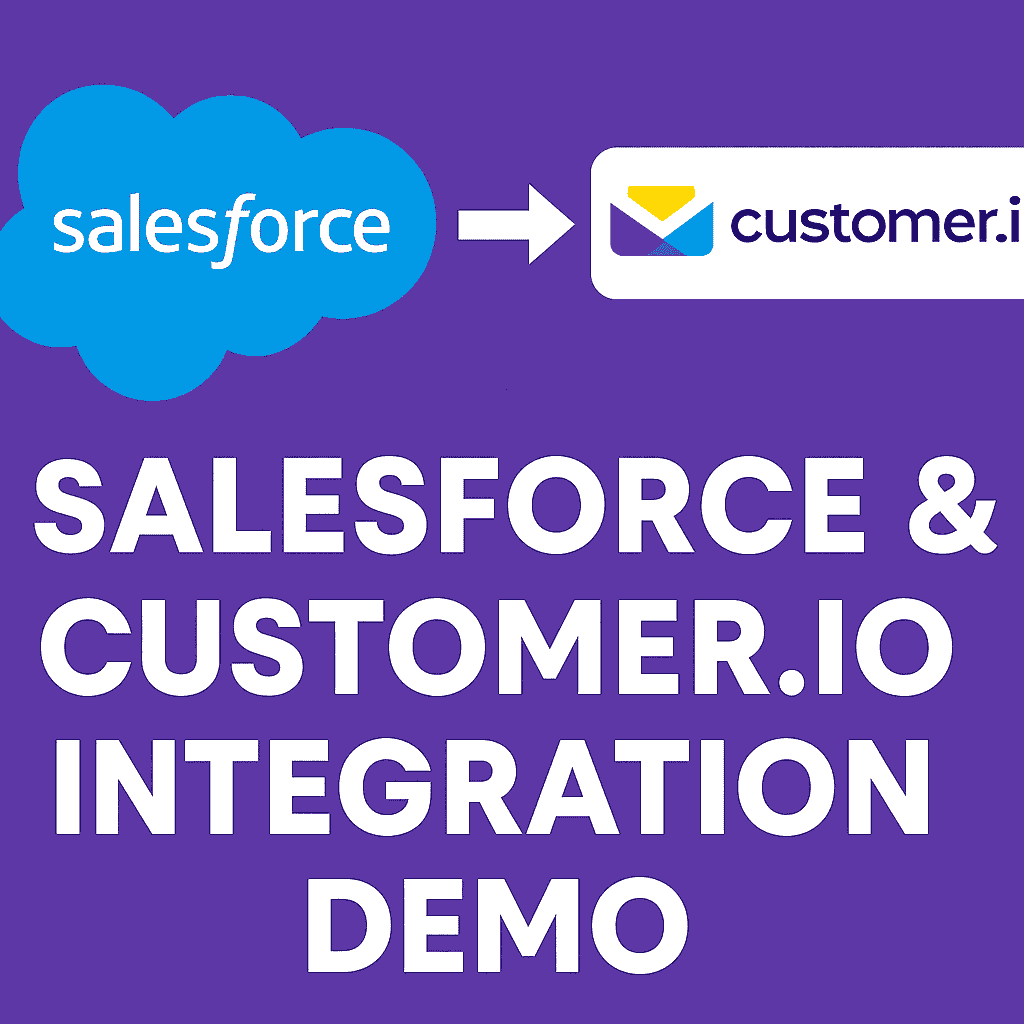
Watch how Salesforce syncs with Customer.io in this live demo. See real-time data syncing of standard and custom objects using automation.
 Video demo
Integrations
Learn how to integrate Salesforce with Slack using Flow to send real-time notifications. A step-by-step tutorial by CodersRegion with a working example.
FAQ
We profile the source data, map every field, run rehearsal migrations in a sandbox and reconcile record counts and key values before and after go-live.
Yes. Cleansing and deduplication are part of every migration, so you start in Salesforce with data your team can trust.
It depends on the systems and volumes involved. We use native Salesforce tools (APIs, Platform Events, External Services, Salesforce Connect) or middleware such as MuleSoft or Zapier, choosing what is most reliable and cost-effective.
Our integrations log every transaction, retry automatically where it is safe to, and alert the right people when something needs attention.
Explore more
Free discovery call
Tell us which systems are involved and we will map out a safe approach on a free call.