Key takeaways
- A focused Sales or Service Cloud implementation commonly takes 8 to 16 weeks; complex programs take longer.
- Discovery and design determine success; rushing them causes rework later.
- Your team’s availability for decisions, data and testing is the biggest factor in the timeline.
- Plan go-live support and a first improvement cycle, not just the launch date.
Clients often ask how long a Salesforce implementation will take. The answer depends on scope, data and integrations, but the shape of a good project is consistent. Here is what a typical 12-week implementation looks like, and what each phase needs from you.
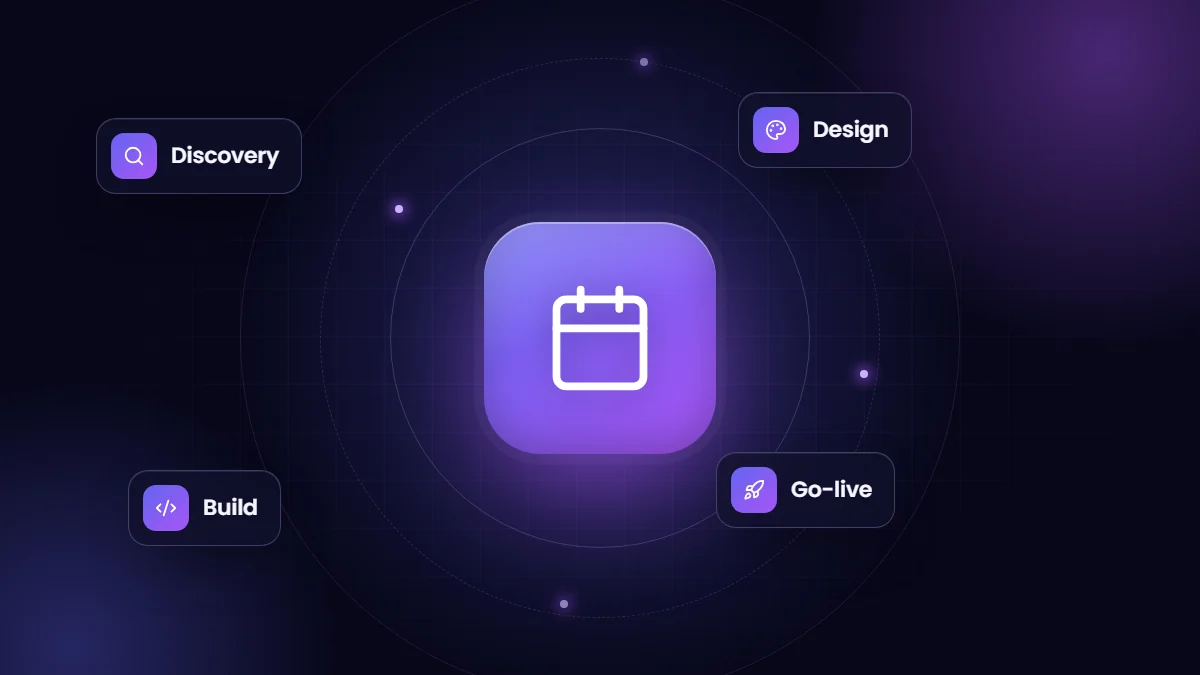
Weeks 1 to 2: discovery
- Workshops with sales, service, marketing and leadership to map current processes and pain points.
- Review of existing systems, spreadsheets and data sources.
- Agreement on goals, scope, success measures and phase one priorities.
Your input: people who know the processes, examples of current reports and documents, and decisions on priorities.
Weeks 3 to 4: solution design
- Data model: objects, fields, record types and relationships.
- Process design: stages, automation, approvals and notifications.
- Security model: roles, sharing and permission sets.
- Integration and data migration design.
Your input: sign-off on the design, which avoids expensive changes later.
Weeks 5 to 9: build
- Configuration of objects, page layouts, flows, reports and dashboards in a sandbox.
- Custom development and integrations where needed.
- Regular demos, usually every week or two, so users see progress and give feedback early.
- Data migration scripts built and test loads run.
Weeks 10 to 11: testing and training
- User acceptance testing with real scenarios and test data.
- Fixes and refinements from testing.
- Role-based training sessions and quick reference guides.
- Final migration rehearsal.
Week 12: go-live
- Final data migration and deployment to production.
- Go-live support with the project team on hand.
- Daily check-ins in the first week to resolve issues quickly.
After go-live: stabilize and improve
The first month after launch is when adoption is won or lost. Track logins and key actions, fix friction quickly, and plan a first improvement release with the requests users raise. Many of the most valuable features come from this phase, once people use the system daily.
What stretches the timeline
| Factor | Effect |
|---|---|
| Slow decisions | Design and build pause while waiting for answers |
| Messy or late data | Migration slips and testing uses unrealistic data |
| Scope growth | New requirements push go-live back |
| Complex integrations | External systems and vendors add dependencies |
| Limited user availability | Testing and training get squeezed |
How to keep it on track
- Name a decision-maker and a project lead on your side.
- Agree phase one scope and park nice-to-haves for phase two.
- Start data cleansing in week one.
- Book testing and training time in users’ calendars early.
Our Salesforce implementation services follow this structure, adapted to each client’s scope.
A sample weekly rhythm
| Meeting | Frequency | Purpose |
|---|---|---|
| Project check-in | Weekly | Progress, decisions needed, risks |
| Sprint demo | Every one or two weeks | Show working features and gather feedback |
| Steering review | Monthly | Scope, budget and timeline with leadership |
| Data and integration sessions | As needed | Mapping, test loads and issue resolution |
A consistent rhythm keeps decisions moving and lets users see the system take shape, which builds the buy-in that adoption depends on.
Signs a project is on track
- Users have seen working demos by week five or six.
- Test data loads have run before user acceptance testing starts.
- Open decisions are listed, owned and shrinking week by week.
- Training dates are booked and attendees confirmed.
- A clear list of phase two items exists, so phase one scope stays stable.
Frequently asked questions
Can Salesforce be implemented in a few weeks?
A small, standard setup with limited data and no integrations can be. Most business implementations take two to four months.
How much of our team’s time is needed?
Plan for regular workshop and review time from process owners, plus concentrated time during testing and training.
Should we launch everything at once?
Usually not. A focused first phase reaches value sooner, and later phases benefit from real user feedback.