Key takeaways
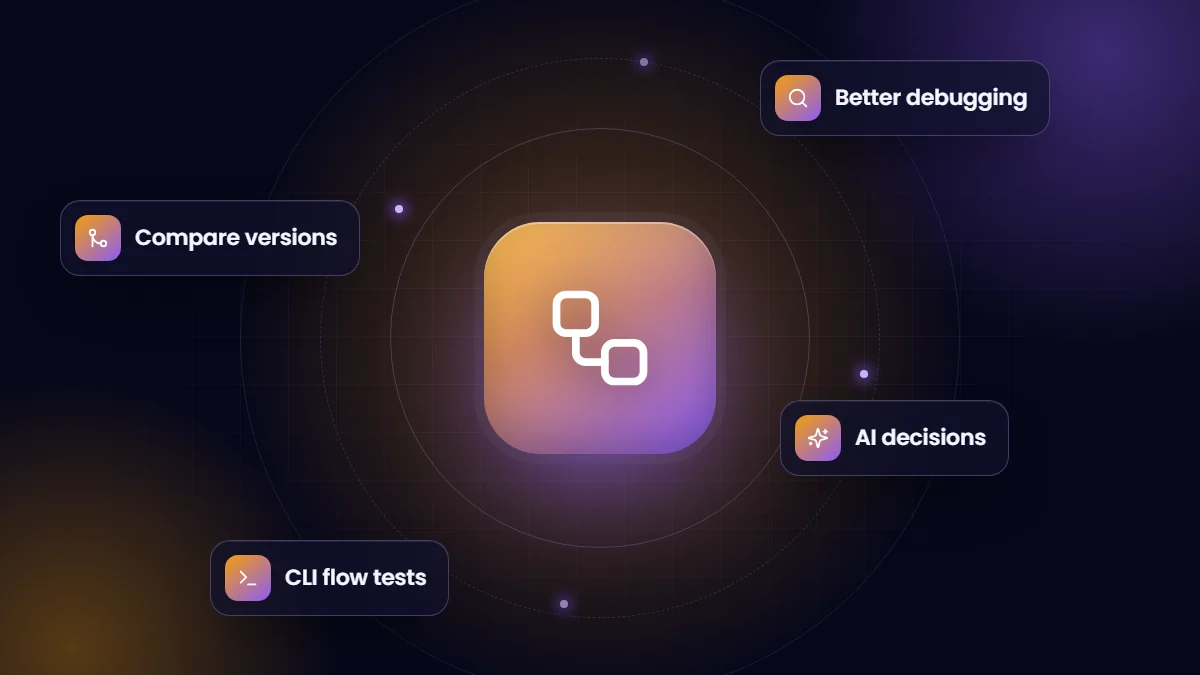
- Winter ’26 brought a strong set of Flow Builder improvements, including comparing versions of a flow and a better debug experience.
- Flow tests can now run from the Salesforce CLI, which helps teams automate testing in release pipelines.
- Decision elements gained AI-driven criteria written in plain language.
- Some features are beta or require enabling, so check the release notes before relying on them.
Salesforce’s Winter ’26 release rolled out to orgs in the autumn of 2025. As usual, it contains hundreds of changes; most teams only need to know a handful. These are the highlights we think matter most for admins and the businesses they support.
Flow Builder improvements
- Compare flow versions. Admins can compare versions of the same flow and see what changed, which makes reviewing and troubleshooting changes far easier.
- Better debugging. Screen flows gain the side-by-side debug view, and the debug panel can sit beside element configuration with clearer formatting of collection data.
- Canvas warnings. Unfinished or invalid elements show indicators on the canvas, so problems are visible before saving.
- Workspace usability. Resizable Toolbox and Errors panels and a cleaner resource menu reduce clutter in complex flows.
- Screen flow preview styles. Preview how screens look with Lightning or Experience Cloud branding.
- Send Email recipients. Recipients can come from individual variables without first building a collection.
AI in flows
Decision elements can use plain-language criteria evaluated by AI to choose an outcome, for example routing a message based on its content or tone. This is powerful for unstructured inputs, but test it carefully with real examples and keep deterministic rules for anything with compliance or financial impact.
Testing and DevOps
Flow tests can now be run from the Salesforce CLI, including for record-triggered flows. Teams with release pipelines can run flow tests alongside Apex tests automatically, which closes a long-standing gap in automated testing of declarative automation.
Finding where actions are used
A new Action Hub area in the Automation app, released as a beta, lists invocable actions and helps admins find where they are used, which is useful before changing or retiring an action.
Changes admins should review
- Review Release Updates in Setup for items approaching enforcement and test them in a sandbox.
- Check sharing-related changes noted in the release, such as updates to how certain role-based groups are referenced, if your Apex, SOQL or flows use them.
- Make sure integrations use My Domain URLs rather than instance-specific URLs, as Salesforce recommends, to avoid issues if instances change.
What to do with this release
- Adopt flow version comparison and the new debug experience immediately; they cost nothing and save time.
- If you run a CI pipeline, add CLI flow tests for critical record-triggered flows.
- Pilot AI-driven decisions only on low-risk routing with clear fallbacks.
- Keep migrating any remaining Workflow Rules and Process Builder automation, which reach end of support at the end of 2025.
Feature availability can depend on edition, permissions and settings, and some items are beta. Confirm details in the official Winter ’26 release notes.
Our administration and support team reviews every release for clients and adopts the features that help.
A quick adoption plan for Winter ’26
- Show the team flow version comparison and the new debug panel in a short demo.
- Add flow tests for the three most important record-triggered flows and run them from the CLI in your pipeline.
- Review the release updates list and schedule sandbox testing for each.
- Identify one low-risk routing scenario to trial AI-driven decision criteria.
- Update internal documentation to reflect any user-facing changes.
Frequently asked questions
When did Winter ’26 reach production orgs?
Winter ’26 rolled out to sandboxes and production orgs on Salesforce’s scheduled release weekends in the autumn of 2025. The Trust site shows the exact date for each instance.
Do we need to do anything for Winter ’26?
Review release updates, test key processes in a sandbox and check integrations, then adopt the new features that are useful.
Are AI decision criteria safe to use?
Use them for low-risk routing with testing and fallbacks. Keep rule-based decisions where outcomes must be predictable.