Key takeaways
- Retrieval-augmented generation (RAG) retrieves relevant passages from your own content and gives them to a language model to answer from.
- RAG reduces made-up answers and keeps AI current without retraining a model.
- Answer quality depends mostly on content quality, chunking and retrieval, not on the model alone.
- Permissions must be respected at retrieval time, so users only get answers from documents they are allowed to see.
Large language models are impressive writers, but they do not know your pricing, your policies or last week’s product update. Ask them anyway and they may produce a fluent, confident and wrong answer. Retrieval-augmented generation, usually shortened to RAG, is the most common way businesses fix this.
How RAG works
- Prepare the content. Documents, help articles, policies and records are split into passages, or chunks.
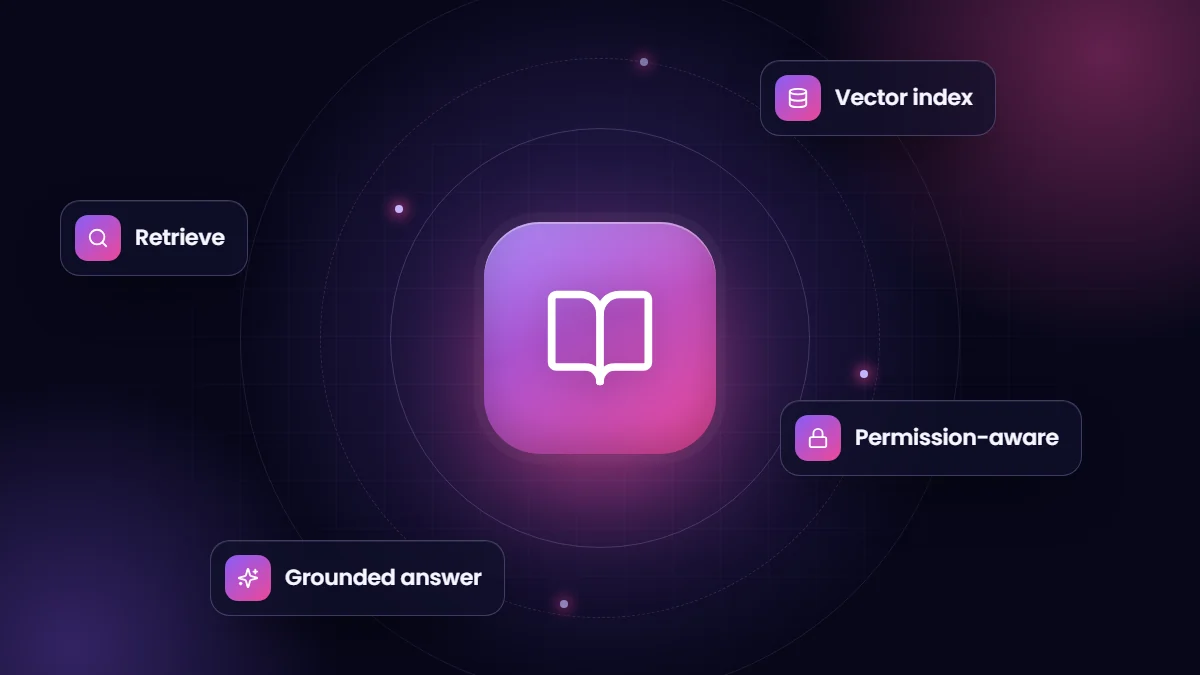
- Index it. Each chunk is converted into an embedding, a numerical representation of its meaning, and stored in a vector index, often alongside a keyword index.
- Retrieve. When a user asks a question, the system finds the most relevant chunks.
- Generate. The model receives the question plus those chunks, with instructions to answer only from them and cite sources.
Where RAG works well
- Internal knowledge assistants that answer staff questions about policies, products and procedures.
- Customer support that drafts answers from help-center articles.
- Sales enablement: answering security questionnaires or product questions from approved content.
- Searching contracts, specifications or technical documentation in plain language.
What makes RAG accurate
- Good source content. Outdated, duplicated or contradictory documents produce contradictory answers. Clean up first.
- Sensible chunking. Chunks should be large enough to carry context and small enough to stay focused, ideally following headings.
- Hybrid retrieval. Combining semantic search with keyword search catches product codes, names and acronyms that embeddings can miss.
- Re-ranking. A second pass that scores retrieved chunks for relevance improves precision.
- Clear instructions and citations. Tell the model to say when it does not know, and show users where answers came from.
Security and permissions
A RAG assistant must never become a way around your access controls. Store document permissions with each chunk and filter retrieval by the user’s rights, so a sales rep cannot retrieve HR documents just by asking. Also review what data is sent to model providers and under what terms.
RAG versus fine-tuning
| RAG | Fine-tuning | |
|---|---|---|
| Best for | Answering from changing, specific knowledge | Teaching a consistent style, format or narrow task |
| Keeping current | Update the documents and re-index | Retrain when knowledge changes |
| Citations | Natural: answers point to sources | Hard to trace where answers came from |
Most business knowledge use cases start with RAG. Fine-tuning is occasionally added on top for tone or specialized formats.
How to start
Pick one knowledge domain with clear owners, such as your help center, and a group of users who will give feedback. Measure answer accuracy on a set of real questions before and after changes. Our AI solutions team builds knowledge assistants this way, starting small and expanding once answers are reliably good.
A worked example
Imagine a support team with 400 help articles and a backlog of tickets asking similar questions. A RAG assistant indexes the articles, chunked by heading. When an agent opens a ticket asking how to reset two-factor authentication, the system retrieves the three most relevant passages, and the model drafts a reply that follows the documented steps, citing the article. The agent checks the draft, adjusts the tone and sends it in seconds.
If the answer is not in the articles, the assistant says so instead of improvising, and that gap becomes a new article. Over time the knowledge base improves because the assistant exposes what is missing.
Measuring answer quality
- Collect 50 to 100 real questions with known correct answers.
- Check whether the right passages are retrieved, separately from whether the final answer is right.
- Score answers for accuracy, completeness and whether they cite the correct source.
- Re-run the test whenever you change chunking, retrieval settings, prompts or models.
Common pitfalls
| Pitfall | Effect | Fix |
|---|---|---|
| Indexing everything, including old drafts | Contradictory answers | Index only approved, current content |
| Chunks that cut tables or steps in half | Incomplete instructions | Chunk by headings and keep lists intact |
| No keyword search | Misses product codes and acronyms | Use hybrid semantic and keyword retrieval |
| Ignoring permissions | Data leaks across teams | Filter retrieval by the user’s access rights |
| No feedback loop | Quality stagnates | Let users flag bad answers and review them weekly |
Frequently asked questions
Does RAG eliminate AI hallucinations?
It reduces them significantly but does not eliminate them. Good retrieval, instructions to answer only from sources, citations and testing keep errors low.
What content can be used with RAG?
Almost any text: documents, web pages, knowledge articles, tickets and database records. Scanned documents need text extraction first.
Do we need a vector database?
You need some form of vector index. It can be a dedicated vector database or vector search built into a database or search platform you already use.