Key takeaways
- Intake is where delays and errors start; automating it speeds up care and reduces manual work.
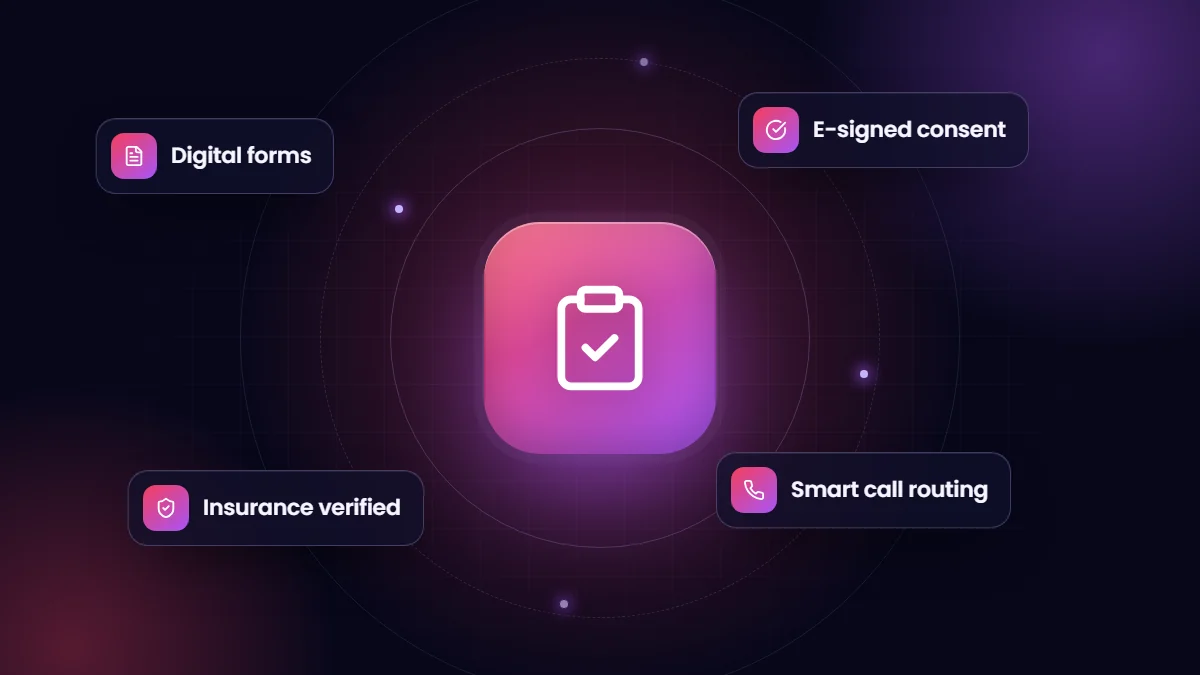
- Digital forms with e-signatures replace paper and improve consent compliance.
- Automated insurance verification and call routing remove repetitive staff tasks.
- Design for HIPAA from the start: BAAs, minimum necessary data and strict access.
For many providers, intake still means phone tag, paper forms, scanned insurance cards and manual eligibility checks. Every step adds delay before a patient can be seen or admitted. Salesforce can automate most of that journey while keeping staff in control of exceptions.
The automated intake journey
- An inquiry arrives by phone, web form or referral and creates a record routed to the right coordinator.
- Calls are prioritized and routed automatically, with the caller’s record on screen.
- The patient receives a secure link to digital intake forms and consent documents.
- Signed forms generate PDFs attached to the patient record automatically.
- Insurance details trigger automated verification, with results on the record.
- Staff work only the exceptions: missing documents, coverage issues or clinical questions.
Results from a real rebuild
When we rebuilt Zinnia Health’s Salesforce org for healthcare operations, intake and patient communication were central. Integrating Five9 to auto-prioritize and route patient calls reduced manual dialing by 80%. Adobe Sign integration automated 95% of patient contract delivery and e-signature capture, and custom signature capture with automatic PDF generation increased consent-form compliance by 65%. VerifyTX integration validated insurance automatically and reduced manual insurance checks by 70%. Read the Zinnia Health case study.
Building blocks
| Component | Role |
|---|---|
| Digital forms and screen flows | Collect intake information consistently |
| E-signature | Consent, agreements and financial responsibility forms |
| Insurance verification service | Automated eligibility and benefits checks |
| Telephony integration | Call routing, screen pops and logging |
| SMS and email | Reminders and secure links, with minimum necessary content |
HIPAA-aware design
- BAAs with Salesforce and every integrated vendor handling PHI.
- Role-based access so staff see only what their job requires.
- Neutral message content with sensitive details behind secure links.
- Audit trails for access and changes.
See our industry solutions for how we build healthcare intake in Salesforce.
Intake metrics worth tracking
| Metric | Why it matters |
|---|---|
| Time from first contact to completed intake | Shows how quickly patients move toward care |
| Share of forms completed digitally | Measures adoption of self-service intake |
| Consent forms signed before first appointment | Protects compliance and avoids day-of delays |
| Insurance verified before scheduling | Reduces billing surprises and denials |
| Missed or abandoned inquiries | Reveals capacity or follow-up gaps |
Common mistakes
- Digitizing paper forms field for field instead of asking only what is needed at each stage.
- Sending forms by email attachment rather than secure links.
- Leaving staff without a clear queue of exceptions to work.
- Collecting the same information twice in intake and the EHR.
Frequently asked questions
Can patients complete intake forms on their phones?
Yes. Secure, mobile-friendly forms reached by link let patients complete intake and sign documents from any device.
Does automated insurance verification replace staff?
It removes routine checks; specialists still handle complex benefits and authorizations.
Is Salesforce suitable for patient intake under HIPAA?
Yes, with a BAA covering the services used and careful configuration of access, communication and integrations.