Key takeaways
- AI document extraction reads invoices, forms and contracts and turns them into structured data for your systems.
- Modern approaches combine OCR with language or vision models that understand layout and meaning.
- Confidence scores and human review for low-confidence fields keep accuracy high.
- The biggest gains come from connecting extraction to downstream systems, so data never needs re-typing.
Every business has a pile of documents someone types into a system: supplier invoices into accounting, intake forms into a CRM, insurance cards, purchase orders, contracts. It is slow, error-prone and nobody’s favorite job. AI document extraction automates most of it.
How it works
- Capture: documents arrive by email, upload, scanner or API.
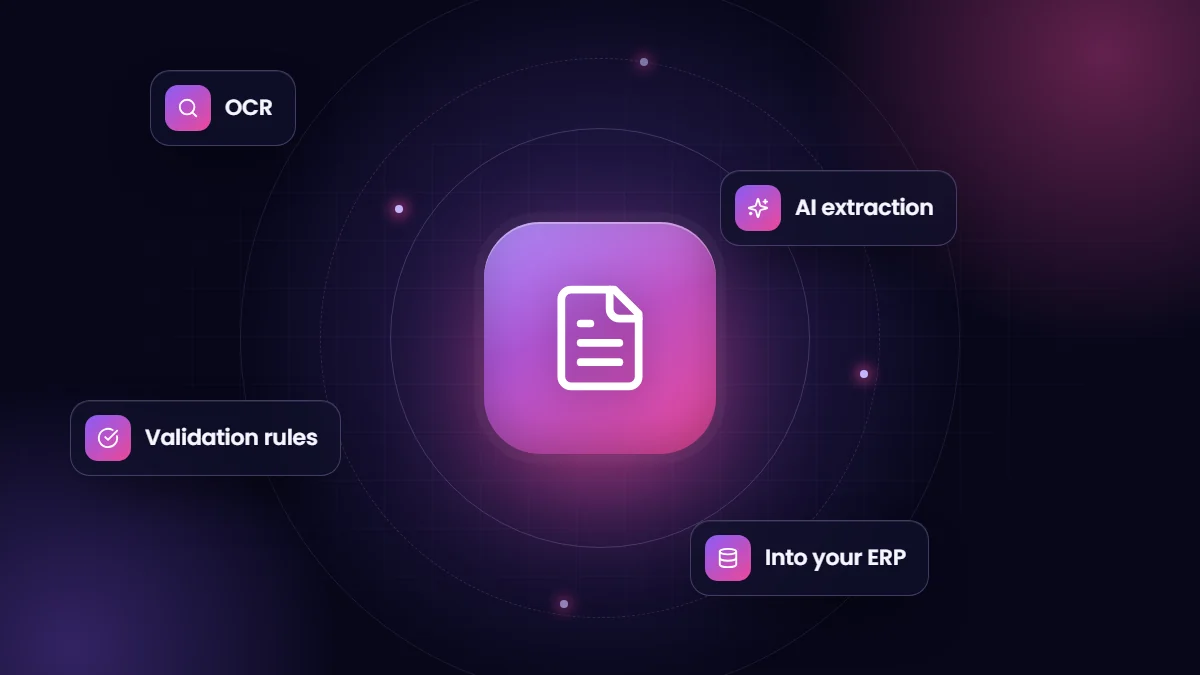
- Read: optical character recognition (OCR) converts images into text, and layout analysis identifies tables, fields and sections.
- Understand: a model identifies the values you need, such as invoice number, supplier, line items, totals, policy number or dates, even when layouts vary.
- Validate: rules check the results, for example that line items add up to the total or that a supplier exists.
- Review: low-confidence or failed fields go to a person.
- Deliver: structured data is written to the ERP, CRM or accounting system, with the original document attached.
Templates versus AI
| Approach | Strengths | Weaknesses |
|---|---|---|
| Template-based OCR | Very accurate for fixed layouts | Breaks when layouts change; a template per supplier |
| Pre-trained document AI | Handles common documents such as invoices and receipts out of the box | May need tuning for unusual documents |
| Language and vision models | Flexible: extracts almost any field you describe | Needs validation rules and testing for consistency |
Major cloud providers offer document AI services, and general-purpose AI models can extract fields when given clear instructions and an output structure. Many production systems combine both: a document service for reliable text and layout, and a language model for interpretation.
Getting accuracy right
- Define exactly which fields you need and their formats.
- Use validation rules: totals must match line items, dates must be plausible, IDs must exist in your systems.
- Route low-confidence results to a review queue rather than accepting everything.
- Measure accuracy per field on a test set of real documents before going live.
- Feed corrections back into rules, prompts or models.
Use cases we see most
| Document | Destination | Benefit |
|---|---|---|
| Supplier invoices | ERP or accounting | Faster approval, fewer keying errors |
| Intake and application forms | CRM | Same-day processing |
| Insurance cards and IDs | Healthcare CRM | Faster verification |
| Purchase orders | Order management | Orders entered in minutes |
| Contracts | Contract repository | Key dates and terms searchable |
Security and privacy
Documents often contain personal, financial or health information. Choose services with appropriate agreements, such as a BAA for health data, restrict who can see the review queue, retain documents according to policy, and keep sensitive data out of logs.
Our AI solutions team builds document extraction pipelines that feed Salesforce, ERPs and accounting systems, with review steps where accuracy matters.
A worked example: supplier invoices
A distributor receives a few hundred supplier invoices a month by email, in dozens of layouts. An extraction workflow watches a dedicated mailbox, extracts supplier, invoice number, dates, line items, tax and totals, and checks that the supplier exists in the ERP and that line totals add up. Invoices that match an open purchase order within tolerance are queued for approval automatically; anything uncertain goes to an accounts payable reviewer with the fields highlighted. The reviewer corrects a field or two in seconds instead of typing the whole invoice.
How to roll it out
- Pick one document type with high volume and clear fields.
- Gather a representative sample, including messy scans and unusual layouts.
- Define fields, formats and validation rules with the people who process the documents today.
- Run extraction in parallel with the manual process and compare results.
- Go live with a review queue, then reduce review as confidence and accuracy are proven.
What it costs
Costs come from the extraction service, usually priced per page or per document, the build work to connect inputs, validation and destination systems, and the reviewer time that remains. For most businesses with steady document volumes, the time saved on data entry and the reduction in errors outweigh those costs quickly, but measure on your own volumes before committing.
Frequently asked questions
How accurate is AI document extraction?
On clear documents and well-defined fields, accuracy is often very high, but it varies by document quality and type. Measure on your own documents and keep review for low-confidence fields.
Can it read handwriting?
Modern services can read many types of handwriting, with lower accuracy than printed text. Handwritten fields usually need more review.
Do we need thousands of examples to start?
Not usually. Pre-trained services and instruction-based models can start with a small test set used for evaluation.