Key takeaways
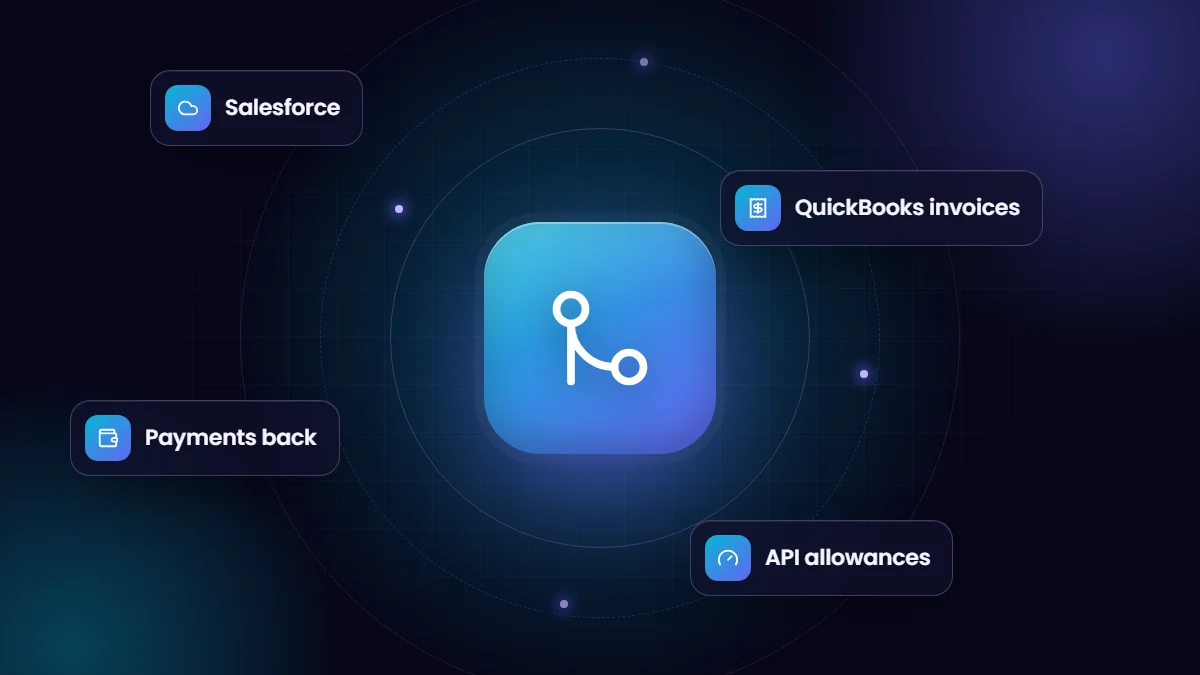
- A typical integration creates QuickBooks customers and invoices from Salesforce and syncs invoice status and payments back.
- Options include AppExchange connectors, integration platforms and custom builds on the QuickBooks Online API.
- Decide which system owns customers, items, prices and invoices before building.
- Under Intuit’s App Partner Program, read-heavy integrations should be efficient to stay within API allowances.
QuickBooks Online is the accounting system for many companies that sell with Salesforce. Without integration, someone re-types won deals into QuickBooks and sales asks finance whether customers have paid. Connecting them removes double entry and gives both teams the information they need.
What to sync
| Data | Typical direction | Notes |
|---|---|---|
| Customers | Salesforce to QuickBooks on first invoice | Store the QuickBooks ID on the Salesforce account |
| Products and services | QuickBooks to Salesforce, or managed in both with mapping | Align item names, income accounts and tax codes |
| Invoices | Created from opportunities or orders in Salesforce | Or created in QuickBooks and synced back |
| Payments and balances | QuickBooks to Salesforce | Open balance and overdue invoices on the account |
Integration options
- AppExchange connectors. Several apps connect QuickBooks Online and Salesforce with configurable mappings, often the fastest route for standard needs.
- Integration platforms. iPaaS or workflow tools with QuickBooks and Salesforce connectors for custom flows across several systems.
- Custom integration. Built on the QuickBooks Online API and Salesforce APIs for specific processes, objects or volumes.
Design decisions
- Which event creates an invoice: closed-won opportunity, approved order, milestone or schedule?
- Who can edit invoices after creation, and in which system?
- How are taxes, discounts and multiple currencies handled?
- How are existing customers matched to avoid duplicates?
- Where do sync errors appear, and who fixes them?
API considerations
Intuit’s App Partner Program, launched in July 2025, classifies QuickBooks Online API calls into free Core calls, mainly writes, and metered CorePlus calls, mainly reads and queries, with allowances by tier. Integrations that constantly poll for changes can consume allowances quickly. Use webhooks and change data capture, and fetch only what you need.
Common pitfalls
| Pitfall | Prevention |
|---|---|
| Duplicate customers | Match on IDs and clean data before the first sync |
| Tax and total mismatches | Map tax codes and test invoices with discounts and taxes |
| Edits in both systems | Lock invoice edits to one system |
| Silent failures | Log errors and alert an owner |
| Disconnected authorization | Monitor token health and reconnect promptly |
Rollout steps
- Agree data ownership and processes with sales and finance.
- Clean customers and items in both systems.
- Configure or build the integration in sandboxes and a QuickBooks test company.
- Test real scenarios, including credit notes and partial payments.
- Go live and reconcile totals weekly for the first month.
We build QuickBooks–Salesforce integrations and payment flows; see our system integration services.
A worked example
When an opportunity closes in Salesforce, the integration checks for a linked QuickBooks customer, creates one if needed, then creates an invoice with the opportunity products mapped to QuickBooks items and tax codes. The invoice number and link are written back to the opportunity. Each night, invoice balances and payments sync to Salesforce, and account owners are alerted to invoices more than 30 days overdue.
Frequently asked questions
Can sales see QuickBooks invoices in Salesforce?
Yes. Syncing invoices and payments to Salesforce shows open balances and overdue invoices on each account.
Should invoices be created in Salesforce or QuickBooks?
Either can work. Many teams create them from Salesforce for speed; others keep invoicing in QuickBooks for finance control. Choose one owner.
Does QuickBooks Desktop work the same way?
Desktop integrations work differently and often need connector software. This guide focuses on QuickBooks Online.