Key takeaways
- Spring ’26 continues Salesforce’s investment in Flow, with significant screen flow improvements.
- Screen flow components gain styling options, and new components such as Message help build clearer user experiences without custom code.
- Flow Builder adds usability features such as collapsible branches and remembered debug inputs.
- Check the official release notes for availability, as some features are beta or need enabling.
Salesforce’s Spring ’26 release rolled out to orgs in early 2026. As with recent releases, Flow received a large share of the attention, with changes that make screen flows look better and complex flows easier to build and maintain. These are the highlights we think matter most.
Screen flow improvements
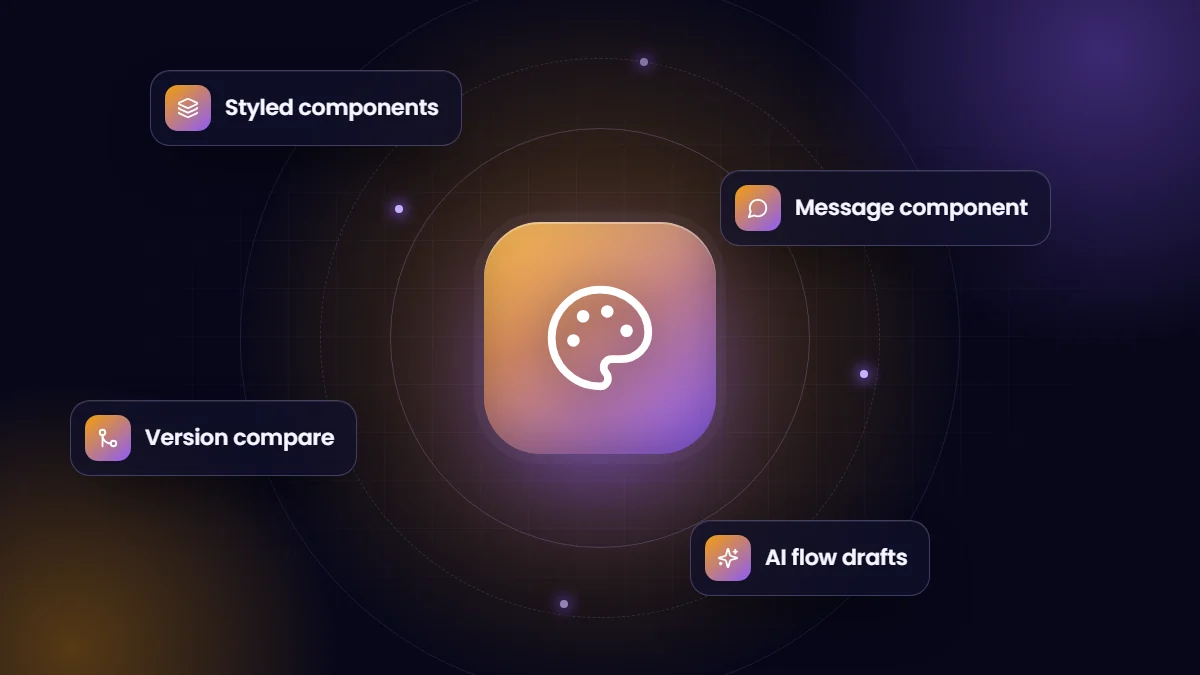
- Component styling. Screen flow components can be styled individually, for example colors, borders and buttons, reducing the need for custom Lightning components just to match branding.
- Message component. Display information, warnings and errors more prominently than plain text, which helps guide users through forms.
- Kanban-style display. Reported as a new native component for showing records visually inside screen flows.
- Screen flow version comparison. Compare versions of screen flows across screens, elements, resources and connectors.
Flow Builder usability
- Collapsible branches. Hide detail in large flows to focus on the part you are working on.
- Smoother navigation. Scrolling-based canvas navigation and easier viewing of action input descriptions.
- Persistent debug inputs. Debug input values are remembered between debug sessions, saving time when testing repeatedly.
AI assistance for building flows
Salesforce continued to expand AI-assisted flow creation, letting admins describe automation in natural language and receive a draft flow to refine. Treat generated flows as a starting point: review logic, bulk behavior and error handling before activation.
What admins should do
- Review Release Updates in Setup and schedule sandbox testing for items nearing enforcement.
- Regression test critical flows, integrations and custom components in a preview sandbox.
- Try the new screen flow styling on one high-traffic form, such as intake or case creation.
- Adopt version comparison as part of your change review process.
- Document any AI-generated flows like any other automation.
Why screen flows matter
Screen flows let admins build guided processes, such as intake forms, approvals with context and onboarding wizards, without custom development. Each release that improves their look and behavior expands what can be delivered quickly and maintained by admins rather than developers.
Feature names and availability are based on release coverage at the time of writing; some items may be beta, limited to certain editions, or require enabling. Confirm in the official Spring ’26 release notes.
Our administration and support team reviews each release and helps clients adopt what is useful.
A quick screen flow upgrade
Pick one screen flow that customers or staff use daily, such as an intake form. Apply the new component styling to match your brand, replace plain text warnings with the Message component, and group long forms into clear sections. Measure completion rate and time to complete before and after; small usability changes often have a noticeable effect.
Frequently asked questions
When did Spring ’26 reach production orgs?
Spring ’26 rolled out to orgs on Salesforce’s scheduled release weekends in early 2026. Check the Trust site for your instance.
Do the new screen flow styles replace custom components?
For many branding needs, yes. Complex interactions may still justify custom Lightning Web Components.
Should we use AI-generated flows?
They can speed up building, but review every generated flow carefully and test with realistic data before activating.