Key takeaways
- Orgs accumulate technical debt quietly: unused fields, overlapping automation, outdated permissions and messy data.
- Symptoms show up as slow pages, failed data loads, user workarounds and fear of making changes.
- Salesforce’s own tools, such as Health Check and Optimizer, are good starting points.
- Fix the highest-risk issues first, then clean up gradually with clear ownership.
Salesforce orgs rarely break all at once. They degrade over years of quick fixes, departed admins and new requirements bolted on. A periodic health check catches problems while they are still cheap to fix.
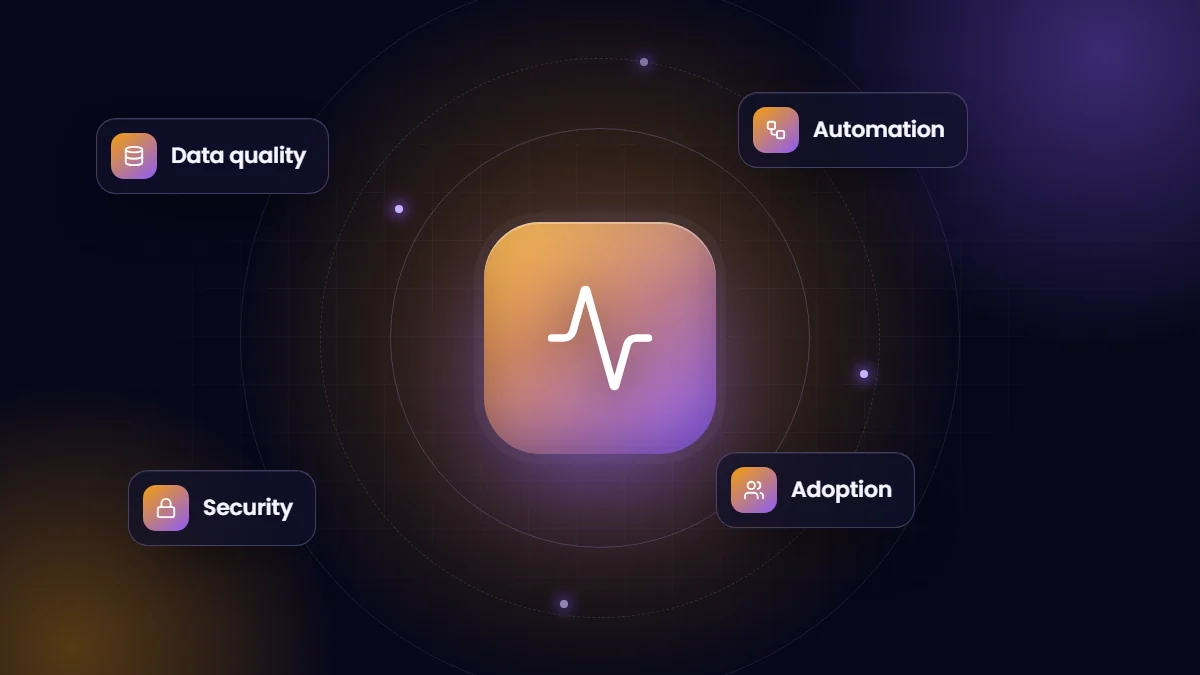
Data
- 1. Duplicate accounts and contacts that users merge by hand, or do not merge at all.
- 2. Fields nobody fills in, or that are filled with placeholder values to get past validation.
- 3. Reports users do not trust, so they export to spreadsheets.
Automation
- 4. Several automation tools on the same object: workflow rules, processes, flows and triggers with no clear order.
- 5. Remaining Workflow Rules and Process Builder, which reach end of support at the end of 2025.
- 6. Errors during data loads caused by automation hitting governor limits.
- 7. Automation nobody can explain, so nobody dares change it.
Security
- 8. Users with administrator rights who do not need them.
- 9. Active accounts for people who have left.
- 10. Dozens of near-identical profiles instead of a permission-set-based model.
- 11. Health Check score warnings that have not been addressed.
Customization and adoption
- 12. Page layouts crowded with unused fields, slowing users down.
- 13. Unused apps, packages and custom code still installed.
- 14. Low login rates or declining activity in key teams.
- 15. Changes made directly in production without testing or documentation.
Tools to start with
| Tool | What it shows |
|---|---|
| Health Check (Setup) | Security settings compared with Salesforce’s baseline |
| Salesforce Optimizer | Customization, limits and feature usage recommendations |
| Field usage analysis | How often fields are populated, using reports or field-usage tools |
| Login history and adoption dashboards | Who uses the system and how often |
| Debug and error logs | Recurring automation failures |
A practical remediation plan
- Secure first. Remove excess admin rights, deactivate leavers and address Health Check risks.
- Stabilize automation. Document each object’s automation, consolidate overlaps and migrate legacy tools to Flow or Apex.
- Clean data. Merge duplicates, activate duplicate rules and fix required fields at the source.
- Simplify the interface. Remove unused fields from layouts, then retire fields that are truly unused.
- Introduce governance. Sandboxes, release notes, a request process and documentation for every change.
We run Salesforce health checks and remediation as part of our administration and support services.
Questions to ask your team
- Which tasks do you do outside Salesforce because it is easier?
- Which reports do you not trust, and why?
- Which screens feel slow or cluttered?
- Which automation surprises you or creates work?
- What would you change first if you could?
User interviews often reveal more than any tool. Combine the answers with Optimizer, Health Check and usage data to prioritize the work that removes the most friction.
What a health check report should include
| Section | Contents |
|---|---|
| Risks | Security and compliance issues to fix immediately |
| Stability | Automation conflicts, errors and limits approaching |
| Data | Duplicate rates, completeness of key fields and data ownership |
| Usability | Layout clutter, slow pages and adoption gaps |
| Roadmap | Prioritized fixes with effort and impact |
Frequently asked questions
How often should we run an org health check?
At least once a year, and before major projects such as new clouds, integrations or AI initiatives.
Can we delete unused fields safely?
Check field usage, references in automation, reports, integrations and code first. Remove from layouts before deleting, and back up data.
Will a health check disrupt users?
The assessment itself does not. Remediation can be phased and tested in sandboxes to avoid disruption.