Key takeaways
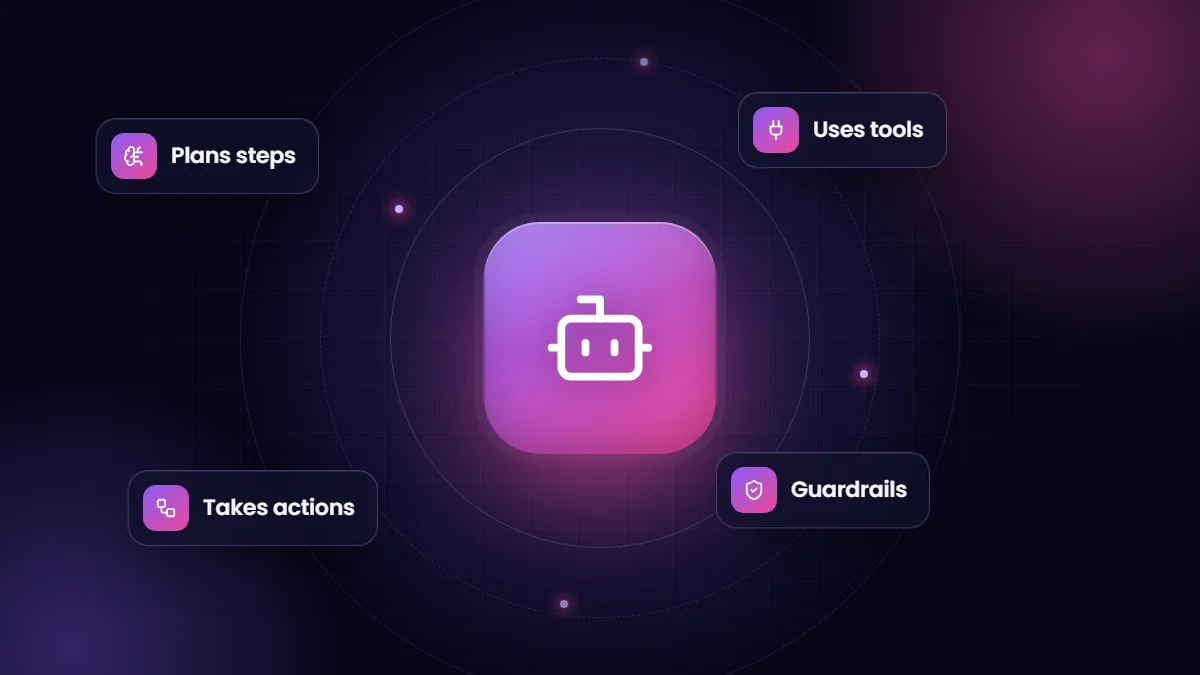
- An AI agent uses a language model to decide which steps and tools to use to complete a goal, then takes actions in connected systems.
- Chatbots answer; agents act, for example looking up an order, updating a record or booking an appointment.
- The best early use cases are narrow, frequent and low risk, with clear success criteria.
- Agents need guardrails: limited permissions, approval for sensitive actions, logging and human handoff.
“AI agent” has become one of the most used and least defined terms in technology. Stripped of hype, the idea is simple and genuinely useful: software that can work out how to complete a task and then carry it out using the tools you give it.
Chatbots, copilots and agents
| What it does | Example | |
|---|---|---|
| Chatbot | Answers questions from scripts or knowledge | “What are your opening hours?” |
| Copilot or assistant | Helps a person do their work, who stays in control | Drafting an email or summarizing a case |
| Agent | Plans steps and takes actions to reach a goal | Checking an order, issuing a return label and updating the CRM |
How agents work
- A goal or request arrives, such as a customer message or a scheduled task.
- A language model reasons about what is needed and chooses from the tools it has been given.
- Tools take actions: APIs, database queries, CRM updates, emails or calendar bookings.
- Results feed back into the model, which decides the next step or responds.
- Guardrails limit what the agent can do and when a person must approve or take over.
Where agents deliver value today
- Customer service: order status, returns, appointment changes and account updates.
- Sales: qualifying inbound leads, answering product questions and booking meetings.
- Operations: triaging emails, extracting data from documents and updating systems.
- Internal support: IT and HR questions answered from policies, with tickets raised when needed.
Risks to manage
- Wrong actions. Limit permissions and require approval for refunds, cancellations or anything irreversible.
- Made-up answers. Ground agents in your knowledge and data, and instruct them to escalate when unsure.
- Prompt injection. Content an agent reads, such as emails or web pages, can contain instructions designed to manipulate it. Treat external content as untrusted.
- Privacy. Know what data reaches which AI provider, under what terms.
A sensible way to start
Pick one process with high volume and clear rules, give the agent only the tools that process needs, test it on real historical examples, launch with human review, and measure resolution rates and errors. Platforms such as Salesforce Agentforce, and custom agents built on AI model APIs, both follow this pattern. Our AI solutions team helps businesses choose and build the right approach.
Questions to answer before building an agent
- What exactly is the task, and how will we know the agent did it correctly?
- Which systems must it read from and write to, and with what permissions?
- Which actions need human approval, and which are safe to automate?
- What happens when the agent is unsure, and who takes over?
- How will we log and review its decisions?
Platform or custom?
| Approach | Strengths | Trade-offs |
|---|---|---|
| CRM-native agents, such as Agentforce | Built-in access to CRM data, permissions and automation | Platform licensing; best when work lives in that CRM |
| Automation platforms with AI steps | Quick to connect many apps | Less control over complex logic at scale |
| Custom agents on model APIs | Full control over tools, prompts and models | More engineering and operations effort |
Measuring success
Track the share of requests the agent resolves without a human, how often humans correct it, time saved per request, error rates on actions and customer or employee satisfaction. Review a sample of conversations weekly at first. An agent that resolves fewer requests but never makes a costly mistake is usually more valuable than one that tries everything.
Frequently asked questions
Are AI agents reliable enough for customers?
For narrow, well-defined tasks with good data and guardrails, yes. Broad, open-ended agents still make mistakes, so start focused and keep humans in the loop.
Do we need our own AI model?
Rarely. Most agents use commercial models through APIs or platforms, combined with your data, tools and rules.
What does an AI agent cost?
Costs come from the platform or model usage, integration work and ongoing tuning. Many platforms charge per conversation or per action.