Key takeaways
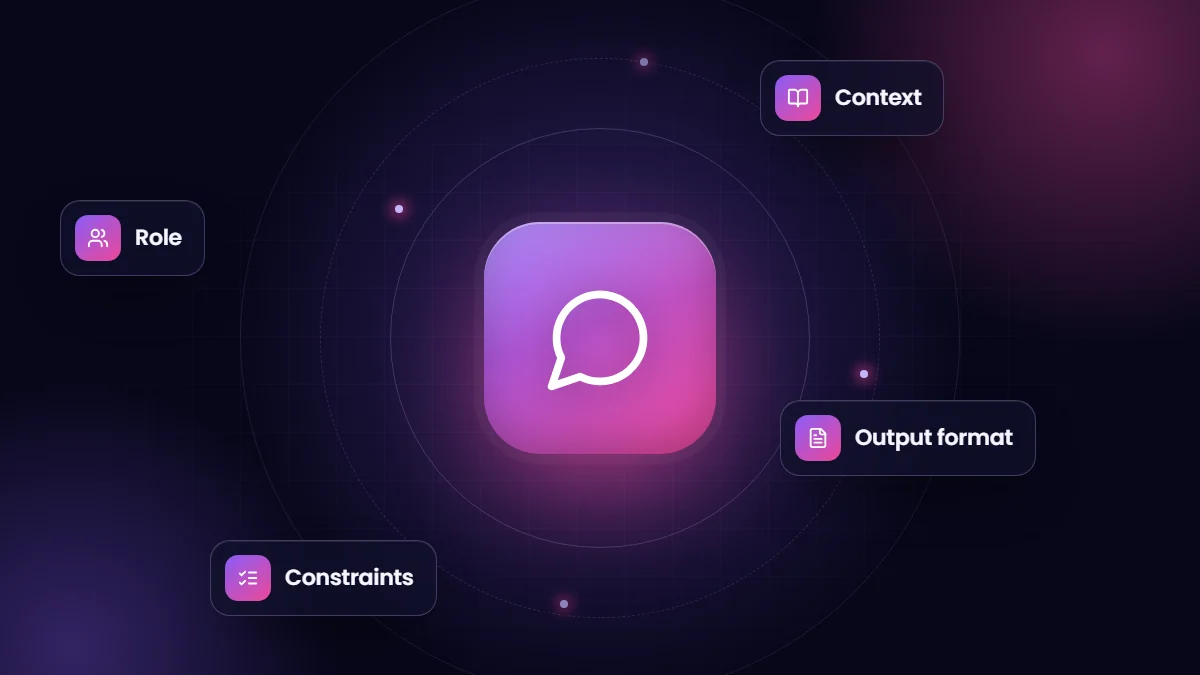
- Good prompts give the AI a role, the context it needs, a clear task, constraints and the output format you want.
- Examples of good output improve consistency more than long instructions.
- Ask the model to work from provided material and to say when information is missing.
- Save proven prompts as shared templates, and review AI output before it reaches customers.
Most disappointing AI results come from vague requests. “Write a follow-up email” produces something generic; a prompt with the customer’s situation, your tone of voice and what the email must achieve produces something usable. Prompt engineering is simply the skill of asking well.
The anatomy of a good prompt
| Element | Example |
|---|---|
| Role | “You are an experienced account manager at a B2B software company.” |
| Context | The customer’s history, the meeting notes, the product facts |
| Task | “Draft a follow-up email confirming next steps.” |
| Constraints | “Under 150 words, friendly but professional, no discounts mentioned.” |
| Output format | “Subject line, then the email body, then three bullet next steps.” |
Techniques that work
- Provide the material. Paste the policy, the data or the notes, and tell the model to answer only from it.
- Show examples. One or two examples of the style or structure you want are worth paragraphs of description.
- Break big tasks into steps. Summarize first, then analyze, then draft, checking each stage.
- Ask for structure. Tables, bullet lists or JSON make output easier to check and reuse.
- Invite uncertainty. “If the information is not in the notes, say so” reduces invented details.
- Iterate. Treat the first answer as a draft and give specific feedback.
What to avoid
- Pasting confidential or personal data into tools your company has not approved.
- Relying on AI for facts, figures or legal statements without verification.
- Prompts that ask for too many things at once.
- Publishing AI output without human review, especially to customers.
Turn prompts into team assets
When a prompt reliably produces good results, save it as a template with placeholders, for example customer name, product and meeting notes. Share templates in a team library, note which tool and settings they work with, and update them when results drift. In CRM platforms, tools such as Salesforce Prompt Builder let administrators turn approved prompts into reusable templates grounded in record data.
Measure quality
For important use cases, keep a small set of test inputs and expected qualities, such as accuracy, tone and length, and re-check output when you change prompts or tools. This turns prompting from guesswork into a repeatable process.
Before and after
A weak prompt: “Summarize this call.” A stronger one: “You are a sales manager. Summarize the call transcript below for the account record in under 120 words. Include the customer’s goals, objections, agreed next steps with owners and dates, and any risks. If a next step has no date, say ‘date not agreed’. Use bullet points.” The second prompt produces output that can be pasted into the CRM with almost no editing, and it produces the same structure every time.
Prompt patterns worth knowing
| Pattern | Use it for |
|---|---|
| Extract to a fixed structure | Pulling names, dates, amounts or issues out of emails and documents |
| Rewrite for an audience | Turning technical notes into customer-friendly language |
| Critique then improve | Asking the model to review a draft against criteria, then revise it |
| Compare and recommend | Weighing options against stated criteria, with reasons |
| Classify | Tagging tickets, leads or feedback into your own categories |
Building a team prompt library
- Start with the five tasks people repeat most, such as call summaries, follow-up emails and proposal outlines.
- Write each template with placeholders and one example of good output.
- Record which tool it was tested in and who owns it.
- Review templates quarterly, or when tools change, and retire ones nobody uses.
Data safety rules for teams
Agree which AI tools are approved, what data may be entered into them and where AI output needs review. Customer personal data, health information and confidential financials usually require tools with business agreements in place. A one-page guideline prevents most problems.
Frequently asked questions
Is prompt engineering still needed as AI improves?
Models handle vague requests better than before, but clear context, constraints and examples still produce noticeably more reliable results.
Should prompts be long?
As long as needed to supply context and constraints, and no longer. Relevant material matters more than length.
Can prompts be shared across AI tools?
Mostly, yes, but results vary between models, so test templates in each tool you use.