Key takeaways
- Core Web Vitals are three user-experience metrics: Largest Contentful Paint (LCP), Interaction to Next Paint (INP) and Cumulative Layout Shift (CLS).
- INP replaced First Input Delay (FID) as a Core Web Vital in March 2024.
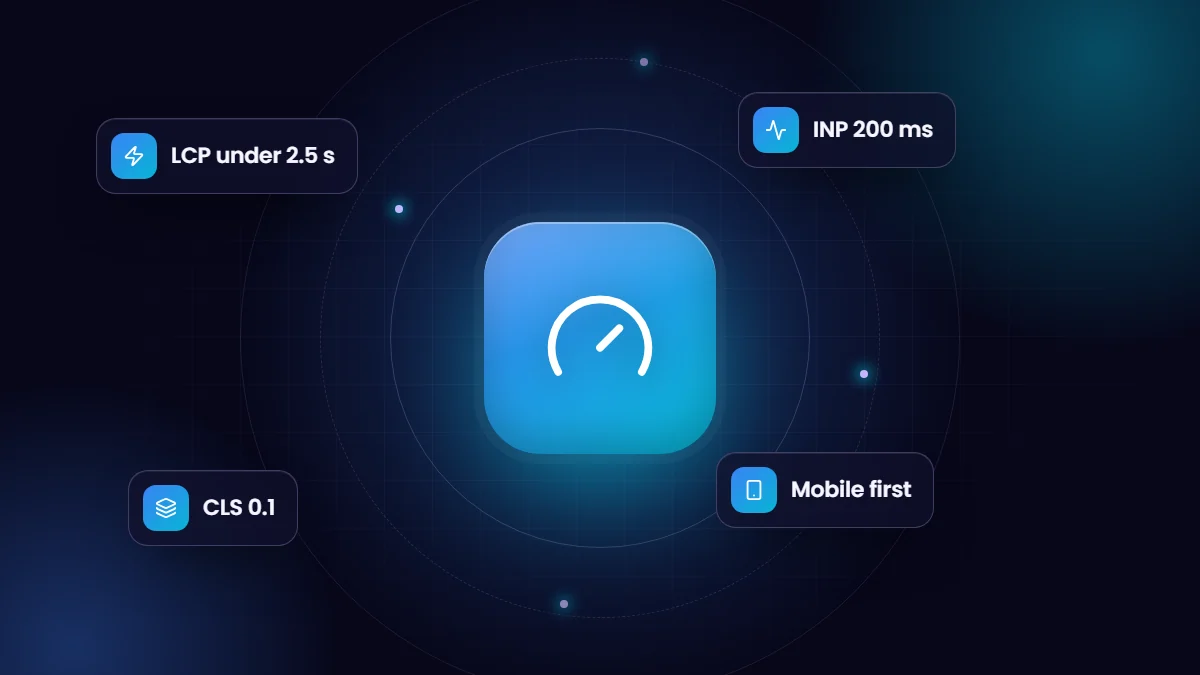
- Good thresholds are LCP within 2.5 seconds, INP of 200 milliseconds or less and CLS of 0.1 or less, measured at the 75th percentile of real visits.
- Images, fonts and third-party scripts cause most problems, and most fixes are straightforward.
A slow website costs money quietly. Visitors leave before the page loads, forms feel sluggish, and Google uses page experience signals as part of how it evaluates pages. Core Web Vitals give you a concrete, measurable way to know whether your site feels fast to real users.
The three metrics
| Metric | What it measures | Good | Poor |
|---|---|---|---|
| LCP, Largest Contentful Paint | How quickly the main content, usually a hero image or headline, appears | 2.5 s or less | Over 4 s |
| INP, Interaction to Next Paint | How quickly the page responds visually to taps, clicks and key presses | 200 ms or less | Over 500 ms |
| CLS, Cumulative Layout Shift | How much content jumps around while loading | 0.1 or less | Over 0.25 |
Google evaluates these at the 75th percentile of real page loads, using data from Chrome users, so a page passes when at least three out of four visits meet the “good” threshold. Lab tools such as Lighthouse are useful for debugging, but field data is what counts.
Fixing LCP
- Serve images in modern formats such as WebP or AVIF, sized for the device, with responsive
srcset. - Do not lazy-load the hero image. Load it early and consider
fetchpriority="high". - Use page caching and a CDN so HTML arrives quickly.
- Preload the main web fonts and remove render-blocking CSS and JavaScript you do not need.
Fixing INP
- Reduce JavaScript, especially heavy themes, sliders and page-builder scripts.
- Delay third-party widgets such as chat, heatmaps and tag managers until the visitor interacts.
- Break long tasks into smaller pieces so the browser can respond to input.
- Avoid expensive work in click handlers; update the screen first, then do the heavy lifting.
Fixing CLS
- Always set width and height (or an aspect ratio) on images, videos and embeds.
- Reserve space for banners, ads and cookie notices instead of inserting them above content.
- Use fallback fonts with matched metrics so text does not reflow when web fonts arrive.
Where to measure
- PageSpeed Insights shows field data from the Chrome UX Report plus a Lighthouse lab test.
- Google Search Console has a Core Web Vitals report grouping URLs that pass or fail.
- Chrome DevTools Performance panel helps diagnose slow interactions and layout shifts.
A realistic target
Most business websites can pass all three metrics on mobile without a rebuild: compress and resize images, cut unused plugins and scripts, cache pages, and delay non-essential widgets. When we rebuilt our own site, those same steps took mobile and desktop PageSpeed scores into the high nineties. If your site is built on a heavy page builder, a lighter theme is often the single biggest win.
A practical audit in one afternoon
- Run your three most important pages, usually the homepage, a key service page and the contact page, through PageSpeed Insights on mobile.
- Note which metric fails and which element is flagged as the LCP element or the cause of layout shift.
- Open the Coverage and Network panels in Chrome DevTools to see unused CSS and JavaScript and the largest downloads.
- List every third-party script: chat, analytics, tag managers, heatmaps, social embeds and fonts. Ask whether each one is needed on every page.
- Check image sizes: a 3,000-pixel photo displayed at 600 pixels wastes bandwidth on every visit.
Common culprits we see on business sites
| Problem | Typical fix |
|---|---|
| Heavy page builder or multipurpose theme | A lighter theme or targeted removal of unused builder assets |
| Slider or video in the hero | A single optimized image with the key message, or a poster image that loads first |
| Chat widget loading on page load | Load the widget after the first interaction or a short delay |
| Web fonts causing text to jump | Preload key fonts and use metric-matched fallback fonts |
| Cookie banner pushing content down | Overlay the banner instead of inserting it into the page flow |
WordPress-specific tips
WordPress powers a large share of business websites, and most performance problems come from plugins and themes rather than WordPress itself. Use a page caching plugin or server-level cache, serve images in WebP through your image optimizer, remove plugins you no longer use, and check that scripts from one plugin are not loading on every page when they are only needed on one. Host on a server with a modern PHP version and HTTP/2 or HTTP/3.
Keep it fast
Performance decays as content and plugins are added. Re-test key pages after every significant change, watch the Core Web Vitals report in Search Console monthly, and give whoever edits the site simple rules: compress images before upload and ask before adding new scripts.
Frequently asked questions
Do Core Web Vitals affect Google rankings?
They are part of Google’s page experience signals. Relevance and content quality matter more, but a fast site helps users and supports rankings.
What replaced First Input Delay?
Interaction to Next Paint (INP) replaced FID as a Core Web Vital in March 2024, because it measures responsiveness across the whole visit, not just the first interaction.
Why is my PageSpeed score different every time?
Lab tests vary with network and server conditions. Look at trends and at field data in Search Console rather than a single run.