Key takeaways
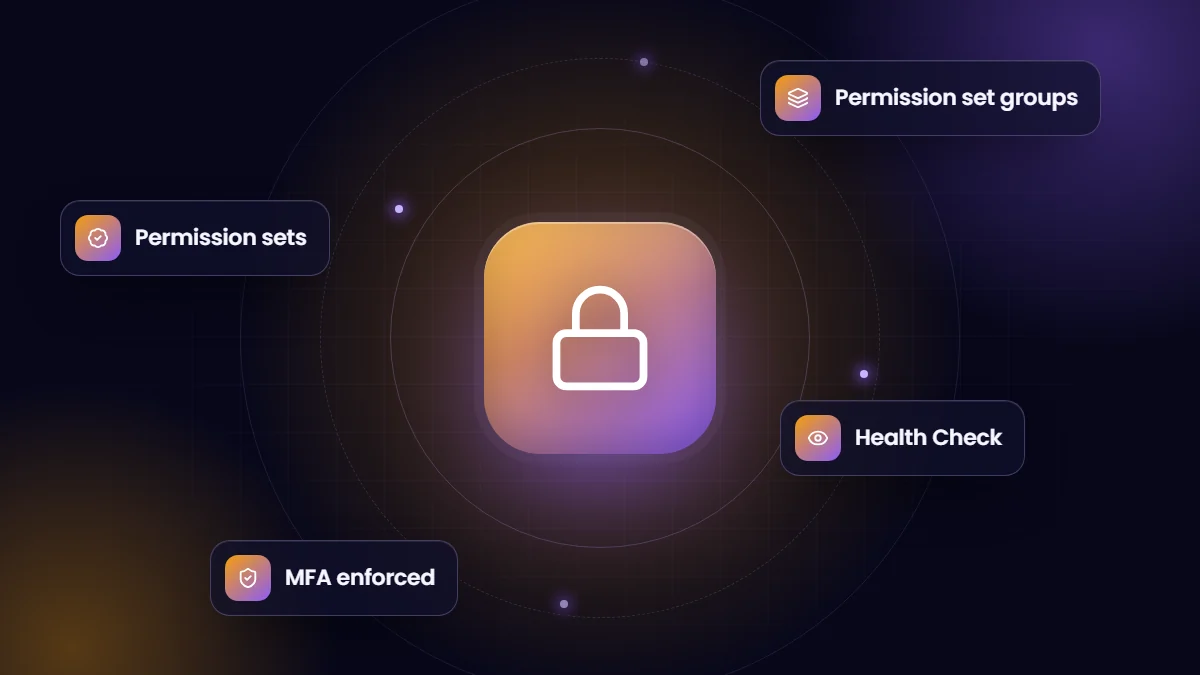
- Salesforce recommends a permission-set-led model: minimal profiles, with access granted through permission sets and permission set groups.
- Salesforce stepped back from its planned retirement of permissions on profiles, but the direction of travel has not changed.
- Object and field access decide what users can do; sharing decides which records they can see. You need both.
- Run Health Check, review powerful permissions and confirm MFA regularly.
Access control is the part of Salesforce that nobody notices until something goes wrong. A user sees salaries they should not, an integration user can delete everything, or a former employee still has access. Getting the basics right is not difficult, but it requires a clear model.
Two questions every access model answers
- What can this user do? Which objects they can read, create, edit or delete, which fields they can see, and which system permissions they have. This comes from profiles and permission sets.
- Which records can this user see? This comes from sharing: organization-wide defaults, the role hierarchy, sharing rules, teams and manual sharing.
Profiles and permission sets
Every user has exactly one profile, and can have many permission sets. In older orgs, profiles carry most of the access, which leads to dozens of near-identical profiles that are hard to maintain.
In January 2023 Salesforce announced that permissions on profiles would be retired, with Spring ’26 as the target. Salesforce later stepped back from enforcing that date after customer feedback. Profiles still work as before, but Salesforce continues to recommend the same direction: keep profiles minimal and grant access through permission sets.
| Use | Recommended tool |
|---|---|
| Baseline settings such as page layouts, login hours and default apps | Profile (keep few and minimal) |
| Object, field and system permissions | Permission sets |
| Bundling access for a job role, such as “Sales Manager” | Permission set groups |
| Removing one permission from a group for some users | Muting permission sets |
Sharing: who sees which records
- Set organization-wide defaults to the most restrictive level each object needs, often Private for sensitive data.
- Use the role hierarchy to open access upwards to managers where appropriate.
- Add sharing rules for exceptions, such as sharing a region’s accounts with a support team.
- Use restriction rules or careful design for very sensitive records rather than relying on hiding fields alone.
Powerful permissions to review
A handful of permissions bypass normal controls and should be granted only when essential:
- Modify All Data and View All Data, which override sharing across the org.
- Customize Application and Author Apex, which allow changes to the org itself.
- Manage Users, which allows creating users and assigning access.
- Export Reports and Weekly Data Export, which allow bulk data extraction.
- API Enabled, which should be limited to users and integrations that need it.
Authentication and session settings
- Multi-factor authentication is required for Salesforce logins. Confirm it is enforced for every user, including admins.
- Use single sign-on where possible, so leavers lose access as soon as they leave your identity provider.
- Set login IP ranges or login hours for profiles where it makes sense, such as integration users.
- Review session timeout settings and require re-authentication for sensitive actions.
A quarterly security checklist
- Run Health Check in Setup and review settings that fall below the baseline.
- Deactivate users who have left and review users who have not logged in recently.
- Review who holds the powerful permissions above and remove what is not needed.
- Check integration users: one per integration, minimal permissions, and no interactive logins.
- Review connected apps and installed packages, and remove unused ones.
- Check guest user access on any Experience Cloud sites.
Frequently asked questions
Are Salesforce profiles going away?
No. Profiles remain, and Salesforce stepped back from enforcing the planned retirement of permissions on profiles. Salesforce still recommends keeping profiles minimal and using permission sets.
What is a permission set group?
A bundle of permission sets assigned together, usually representing a job role. It makes assigning and maintaining access much simpler.
How often should we review Salesforce access?
At least quarterly, and immediately after major changes such as restructures, new integrations or staff departures.