Key takeaways
- Poor data quality is the most common reason AI pilots disappoint.
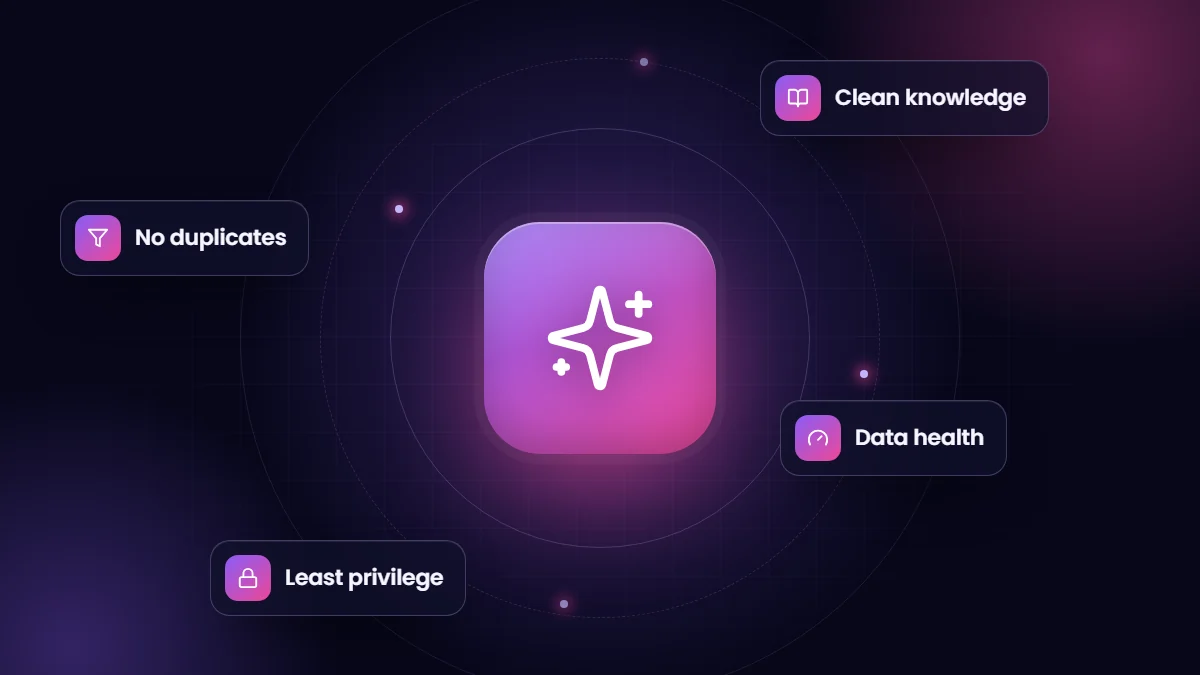
- Deduplicate key records and enforce duplicate and validation rules before connecting an agent.
- Field descriptions, clean picklists and up-to-date knowledge articles help AI understand your data.
- An agent should only see what its users are allowed to see. Review permissions before launch.
Every Salesforce customer is being asked the same question: what is our AI strategy? The honest answer for most organizations is that the strategy starts with data. An AI agent that reads duplicate accounts, outdated knowledge articles and half-filled fields will give confident, wrong answers. Fixing the data first is less exciting than a demo, but it is what makes AI useful.
1. Find and fix duplicates
Duplicate accounts, contacts and leads confuse people and AI alike. If there are three records for the same customer, which order history does the agent read? Start by measuring duplicates on your core objects, merge them, and then activate matching rules and duplicate rules so new duplicates are blocked or flagged at entry.
2. Complete the fields that matter
Identify the fields an AI use case depends on, such as account industry, product, status or contract dates, and measure how often they are populated and correct. Use validation rules, required fields on key stages and screen flows to make good data the easy path for users.
3. Make your data model understandable
- Write clear descriptions for custom objects and fields. AI features and new admins both rely on them.
- Retire unused fields and picklist values that create noise.
- Use consistent naming, so “Status”, “Stage” and “State” do not mean three different things on three objects.
- Document which system owns each important field when data comes from integrations.
4. Treat knowledge as a product
Customer-facing agents answer from knowledge articles and documents. Review them like a product: remove duplicates, archive outdated articles, assign owners and review dates, and write in clear, direct language. Short articles focused on one question work better than long documents that cover everything.
5. Review permissions and sharing
An agent works within the permissions of the user it runs as. If that user can see every record and field, so can the agent. Apply least-privilege principles: give agent users only the objects, fields and records they need, and test what the agent can and cannot reveal before going live.
6. Connect the data that lives elsewhere
Many questions customers ask depend on data outside Salesforce: shipping status, invoices, inventory or appointment availability. Decide whether to sync that data into Salesforce, call it in real time through actions, or unify it with Data 360, Salesforce’s data platform, formerly known as Data Cloud. The right choice depends on volume, freshness and how many systems are involved.
7. Measure data quality continuously
Data quality is not a one-off project. Build a small data-health dashboard showing duplicates, completeness of key fields and records that have not been updated in a long time. Review it monthly, and assign owners for fixing problems.
A quick readiness score
| Question | Ready | Not yet |
|---|---|---|
| Are duplicate rules active on accounts, contacts and leads? | Yes, with regular clean-up | No, or rules are only alerts nobody reads |
| Are key fields populated on most records? | Measured and above target | Unknown |
| Are knowledge articles reviewed and owned? | Yes, with review dates | Articles are old or duplicated |
| Are field and object descriptions written? | For key objects | Rarely |
| Is access for AI users least-privilege? | Reviewed and tested | Uses an admin-like user |
If most of your answers fall in the right-hand column, start with a focused data clean-up before an AI pilot. It will make the pilot faster and the results far better.
Frequently asked questions
How long does it take to prepare Salesforce data for AI?
For a focused use case, a few weeks of clean-up on the relevant objects is often enough. Organization-wide data quality is an ongoing effort.
Do we need Data 360 before using Agentforce?
Not necessarily. Many agents work with core Salesforce data and knowledge. Data 360 helps when agents need unified data from several systems.
Can AI help clean our data?
Yes, AI and automation can suggest merges, standardize values and flag anomalies, but people should review changes to important records.