Key takeaways
- Use Slack for moments that need attention or collaboration, and keep Salesforce as the system of record.
- Flow includes Slack actions, so many alerts and channel automations need no code at all.
- Targeted alerts beat broadcast channels. Route each message to the people who can act on it.
- For custom formatting, interactive buttons or complex routing, use the Slack API from Apex or middleware.
Salesforce acquired Slack in 2021, and the two products have become steadily more connected since. For many teams, Slack is where work actually gets discussed, while Salesforce holds the customer data. Connecting them well means fewer “did you see this?” messages and faster action on deals, cases and approvals.
1. Deal alerts that reach the right people
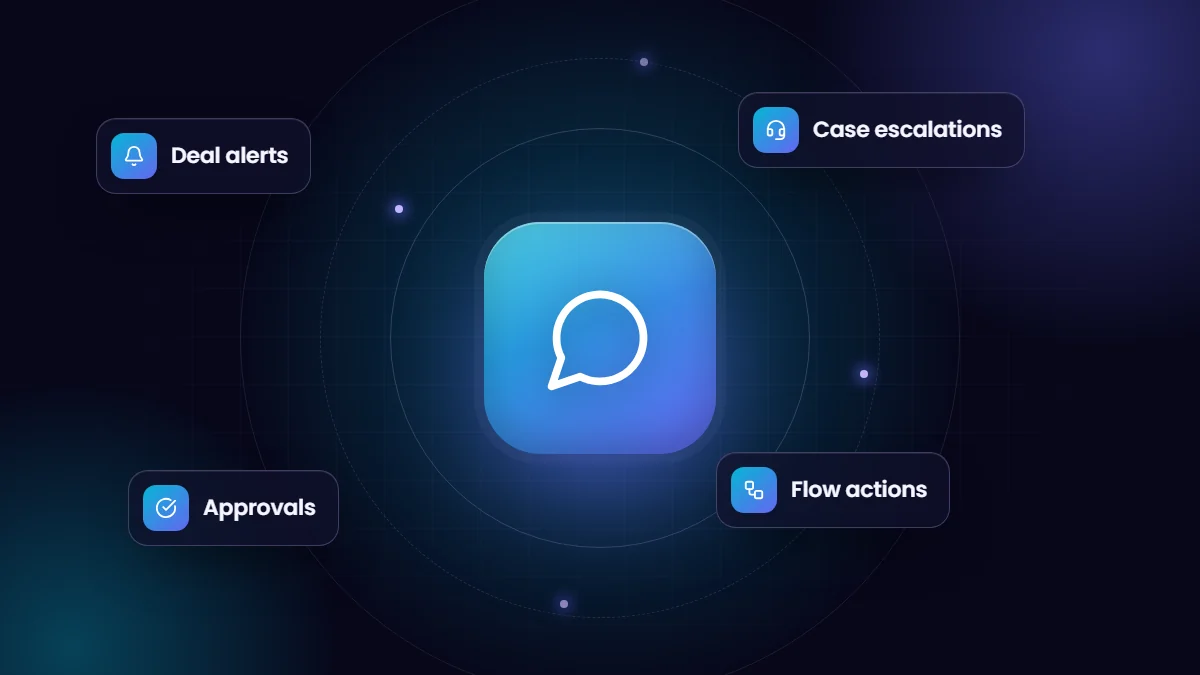
When a large opportunity closes, moves to a late stage or stalls, a short Slack message to the account team or a deal channel keeps everyone informed. Record-triggered flows can post these messages using Flow’s Slack actions, including the amount, owner, stage and a link back to the record.
2. Case escalations for support teams
High-priority cases, service level breaches or cases from key accounts can trigger a message in an escalation channel. Including the customer, priority and time open makes it easy for the right person to pick up the case quickly.
3. Deal or account channels
Flow can create Slack channels and add members automatically, for example a dedicated channel for each strategic opportunity or new customer onboarding. The channel becomes the place where sales, solution engineering, legal and finance collaborate, with the Salesforce record linked for context.
4. Approvals without the inbox
Approval requests often sit in email. Posting them to Slack, with the key details and a link to approve in Salesforce, shortens the cycle. For one-click approve and reject buttons inside Slack, a custom Slack app built on the Slack API, with Apex or middleware handling the response, gives full control.
5. Record previews and lookups
The Salesforce app for Slack lets users preview records when Salesforce links are shared, search Salesforce from Slack and send messages to Salesforce, so people do not have to switch between tools to answer simple questions.
No-code or custom?
| Need | Recommended approach |
|---|---|
| Simple alerts and channel automation | Flow Slack actions |
| Previews, search and sharing records | Salesforce app for Slack |
| Interactive messages with buttons and forms | Custom Slack app using the Slack API |
| Complex routing, formatting or many systems | Apex or middleware integration |
Avoiding notification overload
The fastest way to kill a Slack integration is to send too much. If a channel receives dozens of automated messages a day, people mute it and the important alerts are missed. A few rules help:
- Alert only on events that require someone to act or know now.
- Send messages to the smallest relevant audience, a person or a small team, rather than a company-wide channel.
- Include enough context to act without opening Salesforce, and a link for when they need more.
- Review alerts after a month and remove the ones nobody responds to.
We have built Slack integrations ranging from simple alerts to custom notification engines. You can see one example in our Salesforce and Slack integration case study.
Frequently asked questions
Do we need a paid Slack plan to integrate with Salesforce?
Most integration features work on paid Slack plans. Check the current Slack plan requirements for the specific apps and features you plan to use.
Can Salesforce post to private Slack channels?
Yes, as long as the Salesforce app or bot has been added to that channel.
Will Slack replace Salesforce for our team?
No. Slack is best for conversation and quick action. Salesforce remains the system of record for customer data, reporting and processes.