Key takeaways
- The future-dated requirements in PCI DSS v4.0.x became mandatory on March 31, 2025.
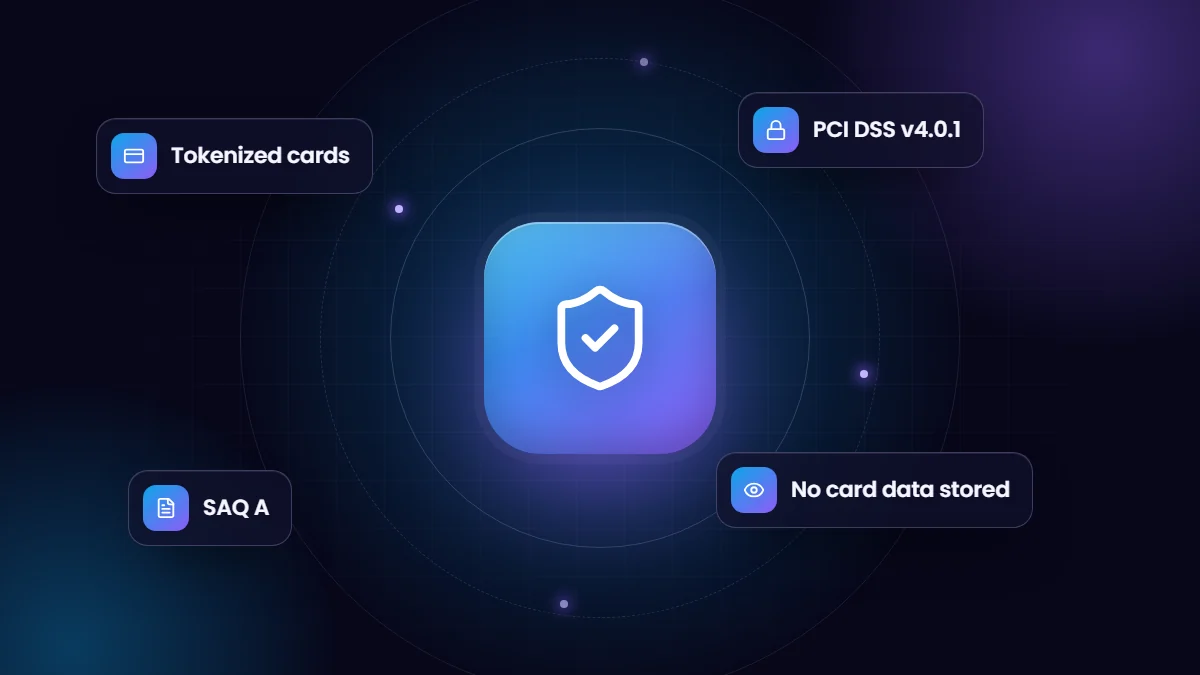
- The safest design keeps raw card numbers out of Salesforce entirely, using hosted payment forms and gateway tokens.
- An updated SAQ A took effect on March 31, 2025, removing two script-security requirements and adding a new eligibility criterion.
- Your payment gateway and acquirer decide which validation applies to you. Confirm with them rather than assuming.
More businesses now collect payments from inside Salesforce: deposits, retainers, invoices and recurring billing, often through payment links sent from a record. It is efficient, but card data is regulated by the Payment Card Industry Data Security Standard (PCI DSS), and 2025 brought real changes to what that standard requires.
This article is general guidance, not a compliance assessment. Your acquiring bank, payment gateway or a Qualified Security Assessor can confirm the requirements that apply to your business.
What changed on March 31, 2025
PCI DSS version 4.0 introduced a set of requirements that were labelled as best practice until March 31, 2025. On that date they became mandatory for organizations validating under version 4.0.1, the current revision of the standard. They cover areas such as stronger authentication, targeted risk analyses, and protection of payment pages from malicious scripts.
Two of the script-related requirements drew particular attention from e-commerce merchants: requirement 6.4.3, managing and authorizing scripts on payment pages, and requirement 11.6.1, detecting unauthorized changes to payment pages.
The January 2025 update to SAQ A
Many small and mid-size merchants validate with a Self-Assessment Questionnaire rather than an onsite audit. SAQ A applies to merchants that fully outsource card processing, for example by redirecting customers to, or embedding, a payment page hosted by their provider.
In January 2025 the PCI Security Standards Council published a revised SAQ A, effective March 31, 2025. It removed requirements 6.4.3 and 11.6.1 from SAQ A and added an eligibility criterion: the merchant must confirm that its site is not susceptible to attacks from scripts that could affect its e-commerce systems. Merchants who validate with SAQ D or an onsite assessment still need to meet the script requirements in full.
Where Salesforce fits
Salesforce provides a secure platform and offers its own compliance documentation, but that does not make your payment process compliant by itself. What matters is how card data flows. If card numbers are typed into Salesforce fields, stored in notes, pasted into cases or captured in email-to-case messages, your org is part of the cardholder data environment and the scope of compliance grows considerably.
Design principles that keep scope small
- Never store full card numbers or security codes in Salesforce. Not in custom fields, notes, files or chatter posts.
- Use hosted or embedded payment forms provided by your gateway, so card details go straight to the gateway.
- Store tokens, not cards. Gateways such as Authorize.Net return a token or customer profile ID that can be charged again without exposing the card number.
- Keep only what you need: the token, the last four digits, card brand, expiry month and year, and transaction IDs.
- Send customers unique, expiring payment links instead of asking for card details by phone or email.
- Log every transaction and response on the related record for reconciliation and audit.
Watch out for these common leaks
- Agents asking customers to email card details, which then land in Email-to-Case.
- Free-text fields or call notes where staff type card numbers “temporarily”.
- Integration logs that write full request payloads, including card data, to a custom object.
- Debug logs enabled for integration users during troubleshooting and never switched off.
A useful exercise is to search your org for 13 to 19 digit numbers in text fields and logs. Salesforce Shield and data detection tools can help larger organizations, but a simple review often reveals problems quickly.
What to ask your payment provider
- Which SAQ or validation method applies to our setup?
- Is your payment form hosted by you, and is it eligible for SAQ A when embedded or redirected?
- How are tokens or customer profiles created and charged for recurring payments?
- What reports and logs do you provide for reconciliation and disputes?
Designing payments this way is not only about compliance. Token-based, link-driven payment flows are also faster for staff, easier for customers and simpler to reconcile, which is why we use the same principles in our own payment work for Salesforce.
Frequently asked questions
Is Salesforce PCI compliant?
Salesforce maintains its own PCI compliance for certain services, but your use of Salesforce determines your obligations. Keeping card data out of your org is the simplest way to limit scope.
Can we store card details in Salesforce for recurring billing?
You should not store full card numbers. Use your gateway’s tokenization or customer profiles and store only the token and non-sensitive details in Salesforce.
What is the difference between SAQ A and SAQ D?
SAQ A is the short questionnaire for merchants that fully outsource card processing to a compliant provider. SAQ D covers merchants that store, process or transmit card data themselves and is far more extensive.